
IT for radiology and diagnostic imaging
We provide IT for radiology: network and server infrastructure, reporting workstations with diagnostic monitors, and disc publishers for X-ray, CT and MRI units. We connect scanners, RIS, PACS, HIS and reporting workstations into a single study workflow. We are an official sales, implementation and service partner of Radpoint, a RIS and PACS vendor. We work on new and expanded departments and provide ongoing support.

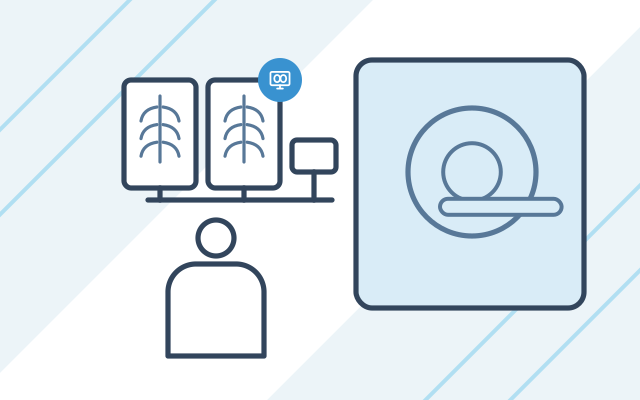
Common IT problems in imaging departments
-

A new X-ray, CT or MRI unit
The scanner, RIS, PACS and reporting workstations have to work together before the first patient arrives. That is why we plan the network, server and image archive at the room design stage.
-

Studies are not reaching PACS
When images do not reach the archive or the report does not return to HIS, the patient waits for the result. We check each connection in the study workflow and correct the configuration.
-

Replacing a reporting workstation
Monitors and workstations must meet the legal requirements for the type of study. We choose equipment to meet them and confirm the configuration before purchase.
-
The image archive keeps growing
Every study adds to a PACS archive the department cannot afford to lose. We plan storage and backups, including a copy kept outside the department.
How a study moves through the department
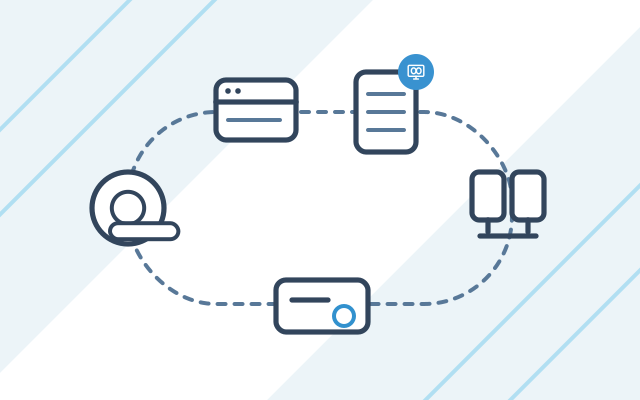
A study passes through several systems. Every connection between them has to work for the patient to get the report on time.
- Registration: the patient and the request are entered in HIS or RIS.
- Worklist: the scanner takes the patient’s details from RIS, so the technician does not retype them.
- Archive: images from the scanner go to PACS.
- Reporting: the radiologist opens the study on a reporting workstation, in the department or remotely.
- Result: the report returns to the system, and the patient receives the study on a disc from the disc publisher or in another way the department uses.
We configure and maintain each of these links, together with the network, servers and backups they run on. See how the whole project runs on our RIS and PACS implementation page. If radiologists report studies outside the department, see our page on IT for teleradiology.
How we price work for imaging departments
We price IT equipment for an imaging department as a project. The price depends on the number of modalities, the PACS and RIS systems, the number of reporting workstations and the integration with HIS. Ongoing support runs on a monthly plan, described on our page on IT support for clinics and medical centres.
What we do
- Implementation and maintenance of the hospital information system (HIS), radiology information system (RIS) and picture archiving and communication system (PACS), and the connections between them
- Data exchange between scanners and RIS and PACS using the DICOM standard
- Selection and installation of reporting workstations with diagnostic monitors
- Disc publishers and consumables for handing studies to patients on disc
- Network, reporting room cabling, server and archive storage planning for new departments
- Backups of the PACS archive and departmental systems
- Support after go-live, including fault fixing, system updates and new workstations
Who it is for
- You are opening a new X-ray, CT, MRI or ultrasound unit and want the IT ready before it starts
- You are adding a new scanner or another reporting workstation
- You are replacing diagnostic monitors or a reporting workstation and want equipment that matches the type of study
- Studies are not reaching PACS or reports are not returning to HIS, and you want the data flow sorted out
- You have your own IT department but lack a specialist in radiology systems
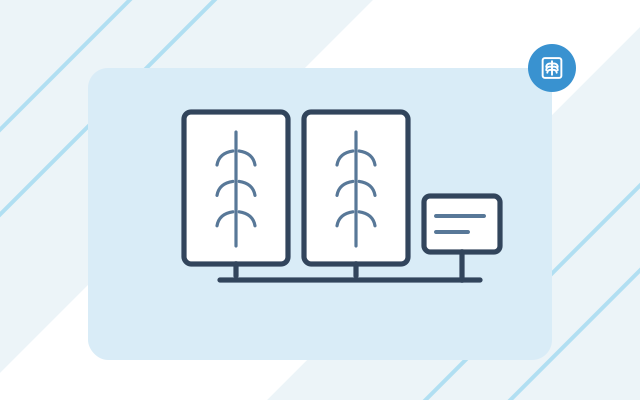
Reporting workstations and diagnostic monitors
Workstations and diagnostic monitors are matched to the studies your department performs: general radiology, mammography, computed tomography or dental imaging. Before purchase, we confirm the configuration with the person responsible for radiation protection in your department.
- Workstations with graphics cards that support diagnostic monitors
- Number and resolution of monitors matched to the type of study
- Cabling and network points in the reporting room
- Workstation installation and connection to PACS and RIS
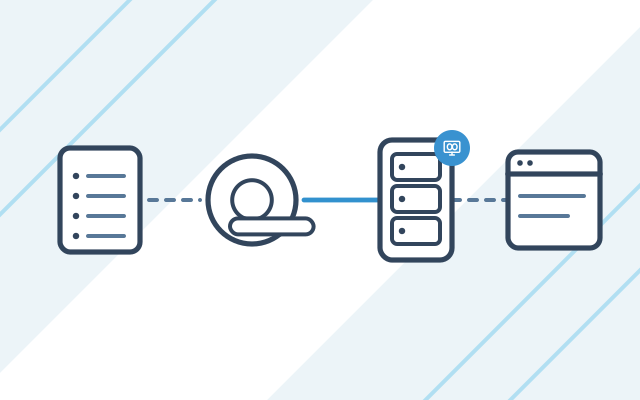
Connecting scanners to RIS, PACS and HIS
Scanners exchange data with the systems using the DICOM standard. We configure these connections and the data exchange with HIS, and agree any software-side work with the system vendor.
- Modality Worklist, from which the scanner takes the patient's details
- Image transfer from the scanner to PACS
- Reports returned to HIS or RIS
- A test of the whole study workflow before the first patient
PACS archive, backups and disc publishing
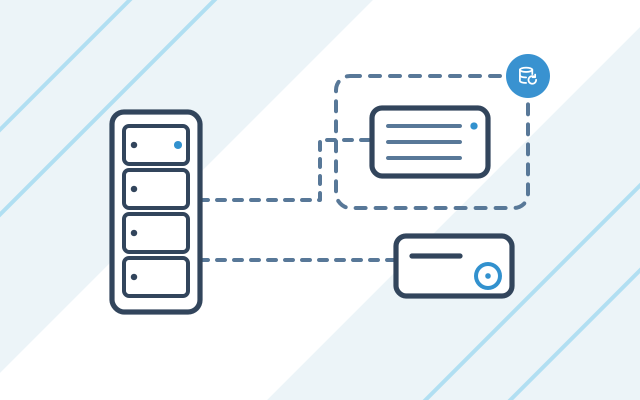
We plan the server and storage for the image archive, then protect the PACS archive and system databases with backups. We also supply disc publishers and consumables, which the department uses to issue studies to patients.
- Server and storage for the image archive
- A copy of the archive kept outside the department
- Restore tests
- Disc publishers and consumables
Radpoint: RIS and PACS for diagnostic imaging departments
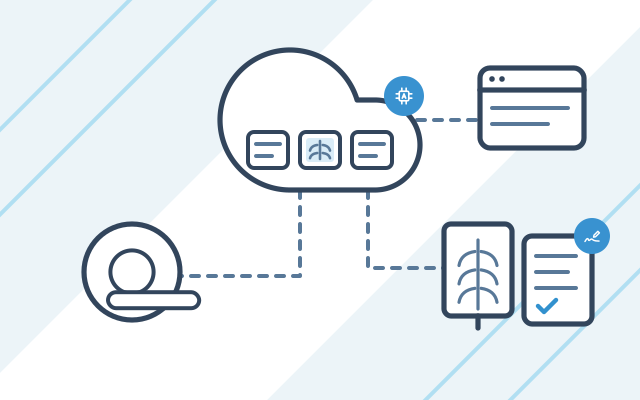
Radpoint is a cloud platform that brings together RIS, PACS, a vendor neutral archive (VNA), AI tools and teleradiology in one working environment for radiologists. The Aura AI module prepares a draft report based on the patient's data and previous studies, which the doctor reviews and approves. As an official Radpoint partner, we sell licences, implement the system, connect it to scanners and the HIS, and service it after go-live.
- RIS, PACS, VNA and teleradiology on one cloud platform
- Aura AI: a draft report for the doctor to review and approve
- Integration with scanners and the HIS
- Sales, implementation and service from one company
How we work
-
Talking about your department
We learn about your scanners, systems, number of reporting workstations and how studies are issued to patients. We check what already works and what needs to be supplied.
-

Design and equipment selection
We select reporting workstations, monitors, disc publishers, the server and network devices, and prepare a project quote.
-

Installation and integration
We install the equipment and configure the scanner connections to RIS and PACS and the integration with HIS. Then we check the whole study workflow: registration, image transfer to PACS and reporting.
-
Go-live
We train staff to use the workstations and support the department during its first studies.
-

Ongoing support
After go-live, we look after the department within a set number of hours each month.
Pricing
Net prices. We will prepare an exact quote after a short conversation about your needs.
| Service | Billing model | Price | What it depends on |
|---|---|---|---|
| IT equipment for an imaging department | fixed price per project | individual quote | modalities, PACS and RIS, number of reporting workstations, integration with HIS |
| Ongoing IT support for an imaging department | monthly plan with a set number of hours | from 1,400 PLN net / month | number of hours, medical systems, required response time (SLA), 24/7 on-call cover as an add-on |
Experience and partners
- In one project, we expanded the network and installed the cabling for the reporting room of a diagnostic imaging department.
- For a diagnostic imaging department, we implemented PACS together with the infrastructure it runs on.
- In imaging departments we work with equipment such as Barco diagnostic monitors and Epson disc publishers, as well as scanners and systems from GE HealthCare and Siemens Healthineers.
-
 Dell Technologies Authorized Partner
-
 HP Business Partner
-

- Partner
Security and regulations
-
Requirements for reporting workstations
The regulation sets out, among other things, the number and resolution of monitors, calibration to the DICOM GSDF curve, room lighting and the software functions of a reporting workstation. We choose workstations and monitors to meet these requirements and the type of study performed.
Regulation of the Polish Minister of Health of 11 January 2023 on the conditions for the safe use of ionising radiation for all types of medical exposure, Annex 1 Legal status as of
-
Lossless archiving of studies
A digital radiology system must provide lossless archiving protected against changes to the data. We take this requirement into account when planning the PACS archive and its backups.
Regulation of the Polish Minister of Health of 11 January 2023 on the conditions for the safe use of ionising radiation for all types of medical exposure, Annex 1 Legal status as of
-
Testing diagnostic monitors
Monitors undergo basic tests on every day of use and specialist tests at least once every 12 months. After a repair that may affect image quality, the tests are repeated, at least for the scope of the repair. We take these tests into account when planning servicing and replacement of reporting workstations.
Regulation of the Polish Minister of Health of 12 December 2022 on operational tests of radiological devices and auxiliary devices, § 4 and Annex 2 Legal status as of
Frequently asked questions
What monitors do I need for reporting X-rays?
In general radiology, a reporting workstation has at least two monochrome monitors in portrait orientation, supplied as a matched pair with the manufacturer's certificate, or one monitor with two active display areas. The minimum resolution of the display area is 1024 × 1024, and 2048 × 2048 in mammography. In computed tomography and angiography, one monitor is enough. We confirm the configuration with the person responsible for radiation protection before purchase.
Can an X-ray be reported on an ordinary monitor?
No. Digital radiography studies (computed radiography, CR, and direct digital radiography, DDR) must not be reported on a review monitor, from secondary images or from printouts. Reporting requires a reporting workstation: diagnostic monitors and a computer with a dedicated graphics card.
At what stage of building a department should IT be involved?
At the room design stage, before finishing work and before the scanner is delivered. That is when we plan network points in the scanner room and reporting room, space for the rack and archive server, and power for the workstations. Also plan for the reporting room requirements, which call for dark, non-reflective walls and limited lighting around the monitors.
What is the difference between HIS, RIS and PACS?
A hospital information system (HIS) runs the whole hospital or clinic, including patient registration and medical records. A radiology information system (RIS) runs the imaging department, handling requests, the scanner worklist and study reports. A picture archiving and communication system (PACS) stores images and displays them on reporting workstations. Requests can come from HIS or RIS, depending on how your study workflow is configured.
Do you work with our existing RIS and PACS?
Yes. We start by checking which systems run in your department and what their vendor allows us to change. Some software-side work is done by the system vendor. We agree that work with the vendor and prepare everything else ourselves: the network, servers, workstations and scanner connections.
How do you protect the image archive?
We plan backups of the PACS archive and system databases, including a copy kept outside the department. We also check that data can be restored from them before the need arises.
See also
-
IT for teleradiology
We set up remote connections for reporting radiologists, onboard new radiologists and provide IT support for teleradiology providers.
-
HIS, RIS and PACS for hospitals and clinics
We select, implement and maintain HIS, RIS, PACS and LIS: Optimed NXT, KAMSOFT, Radpoint, Asseco mMedica and MyDr.
-
Network infrastructure for hospitals and clinics
We install cabling, configure NGFW firewalls and Wi-Fi, segment the network and connect the sites of a hospital or clinic.
-
Conetso Software
Online booking for scans
An application in which patients book their own scans. We built one for an MRI centre.
From our blog

NIS2 for healthcare providers in Poland: KSC obligations
NIS2 for healthcare providers in Poland: the KSC Act now covers them. We explain who is an essential or important entity, the deadlines and first steps.